Superluminal for Linux (beta)
Profiling without the challenges
Download. Install. Run.
No pages of installation guides. No Gigabytes to download and install. Just unzip, run and focus on performance issues. It Just Works™.
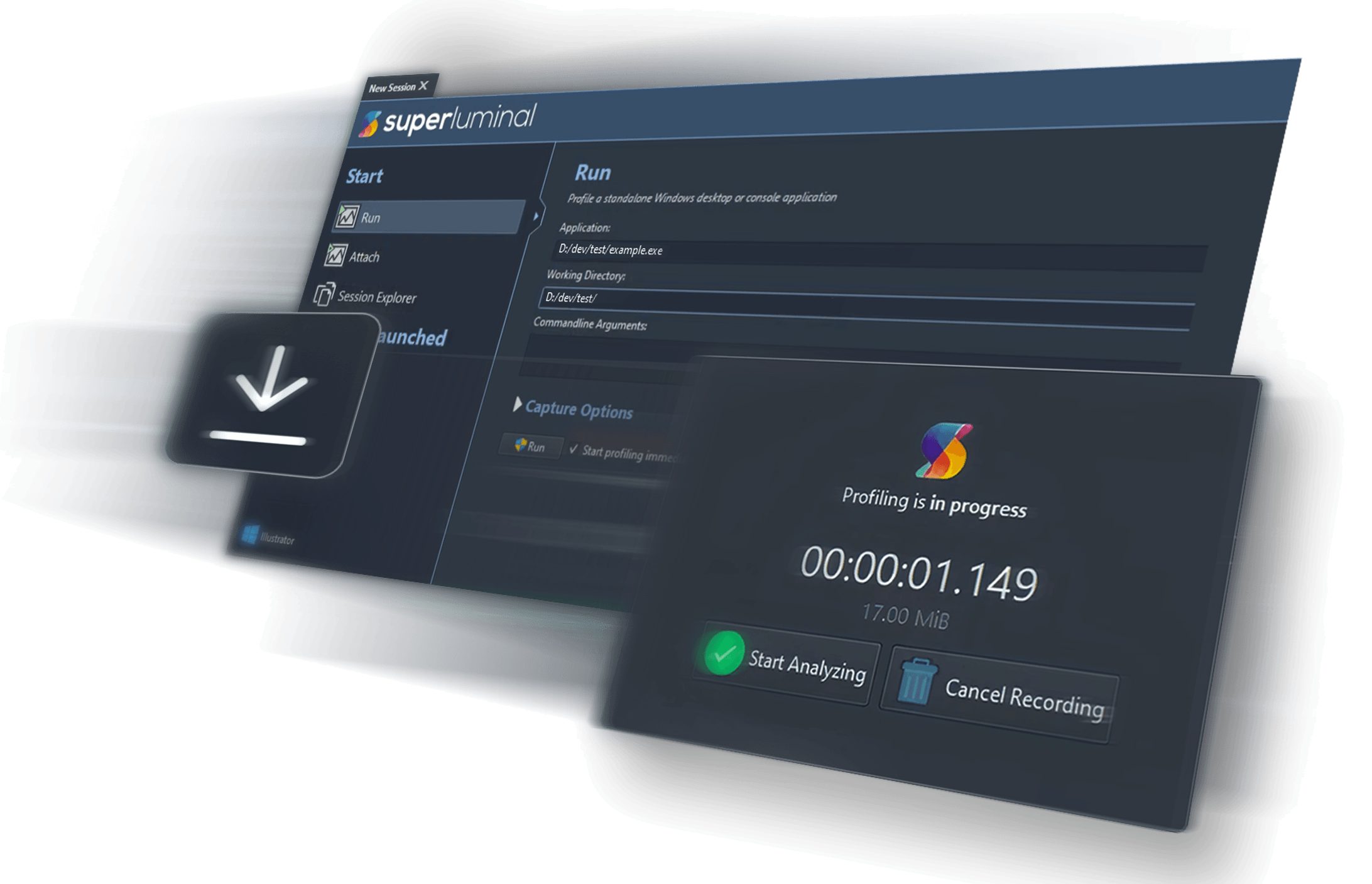

When you download Superluminal, you run it and then click a few buttons, and then it profiles things!!! On Linux!!! Profiling in Linux has always been possible, but painful, and this just works.
No frame pointers, no problem
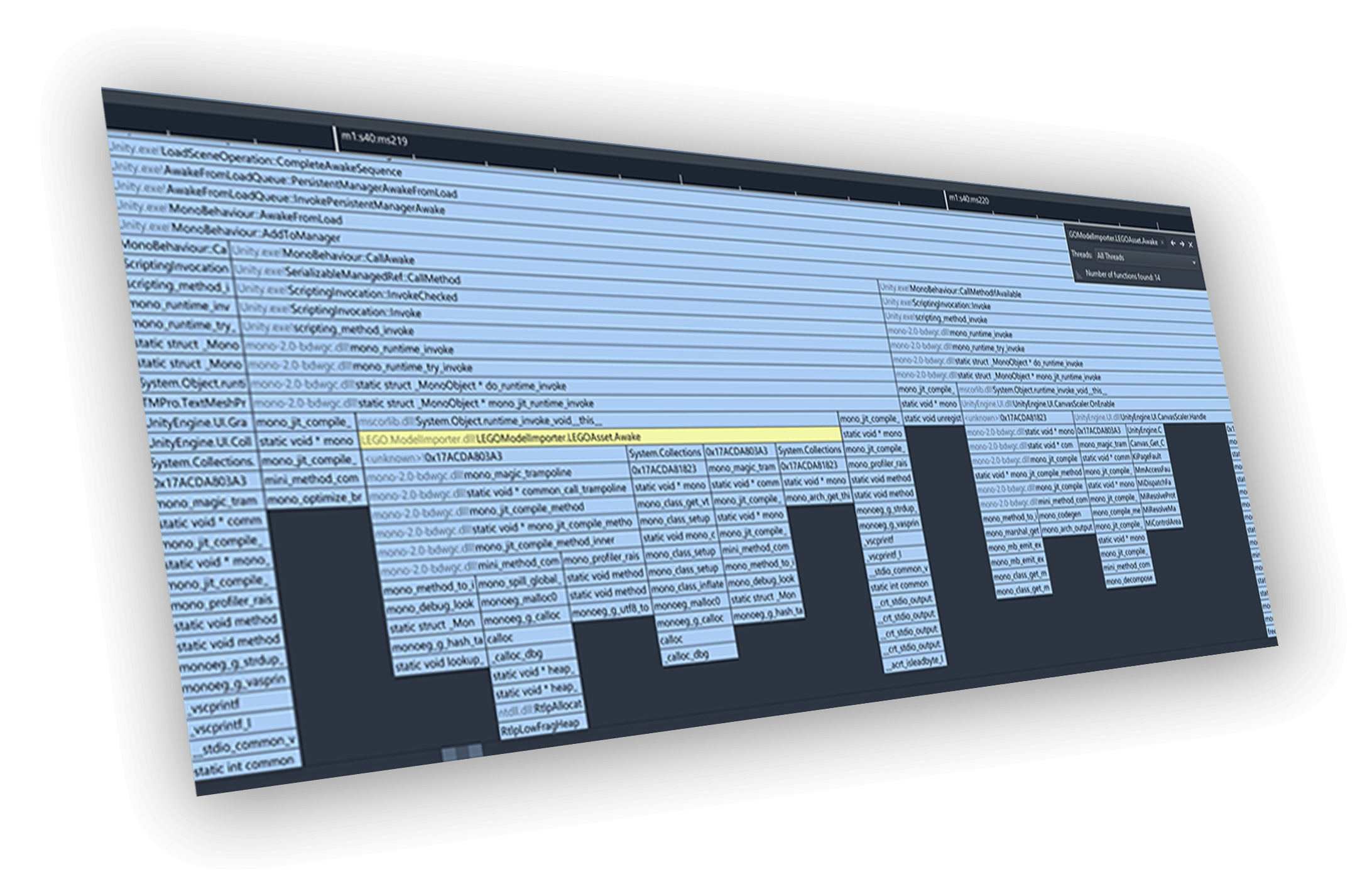
Profiling on Linux is often challenging as the lack of frame pointers breaks captured stacks all over the place. Our custom high-performance eBPF-based stack unwinding mechanism can fully unwind stacks even when frame pointers are missing. It’s like the pair of glasses you didn’t know you needed!
Kernel-level profiling
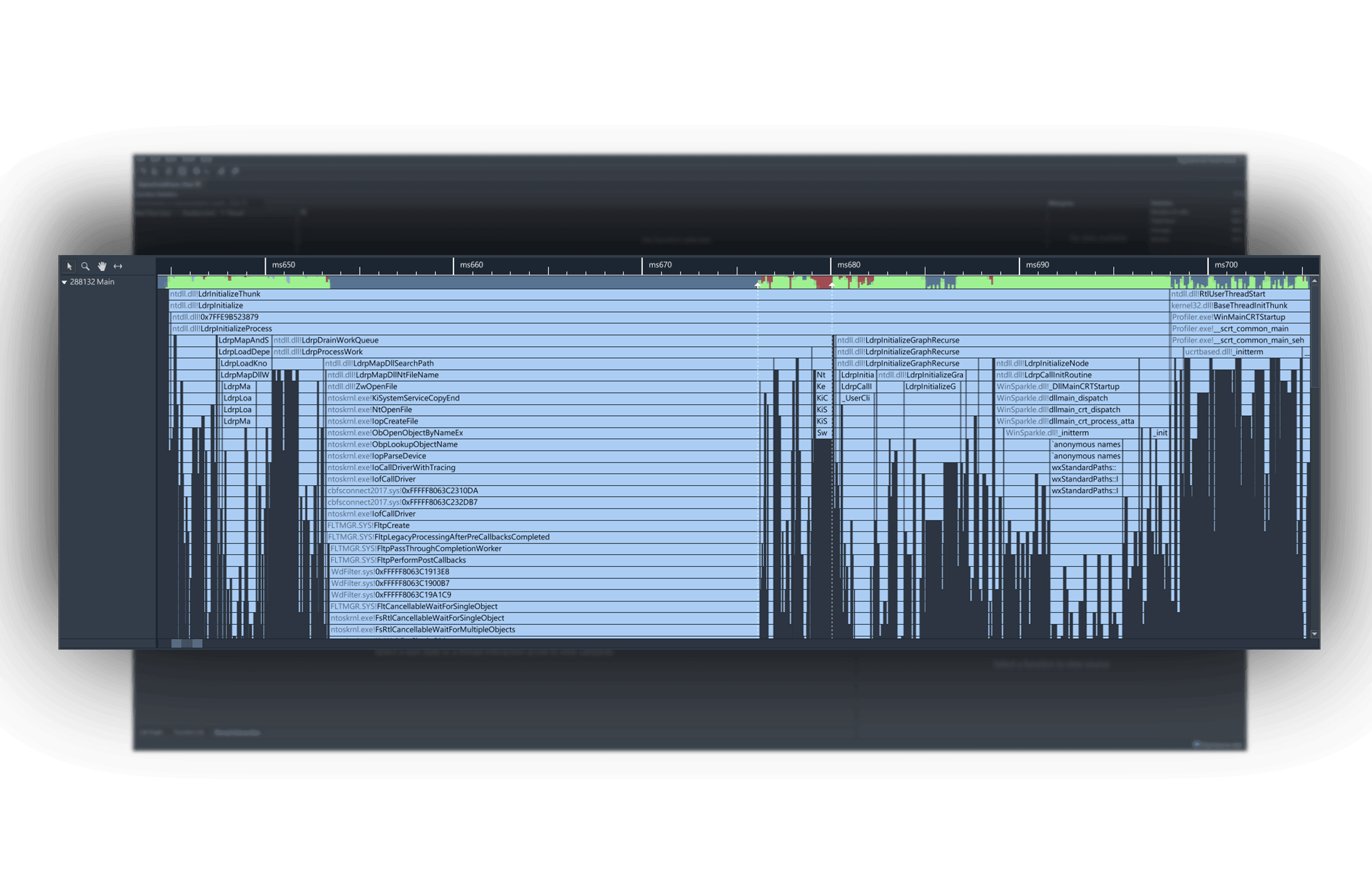
Why limit yourself to your application code? With full support for kernel-level symbols and source code, the entire operating system lies at your feet. See exactly how that innocent syscall you’re making causes havoc in the kernel. And who knows, maybe you’ll even end up optimizing the kernel itself, like we did.
Sharing is caring
Customer running into an performance issue with your software on their machine? Simply have them create a capture on their machine with Superluminal, then analyze that capture on your local machine. You get full context of the performance issue, and the end-user doesn’t need access to your symbols or source code.
Open beta
The Linux version of Superluminal is currently in beta. During the beta phase, it comes with a 60-day fully-functional trial. See below for the current list of known issues.
If you run into any issues, no matter how minor, please contact us!
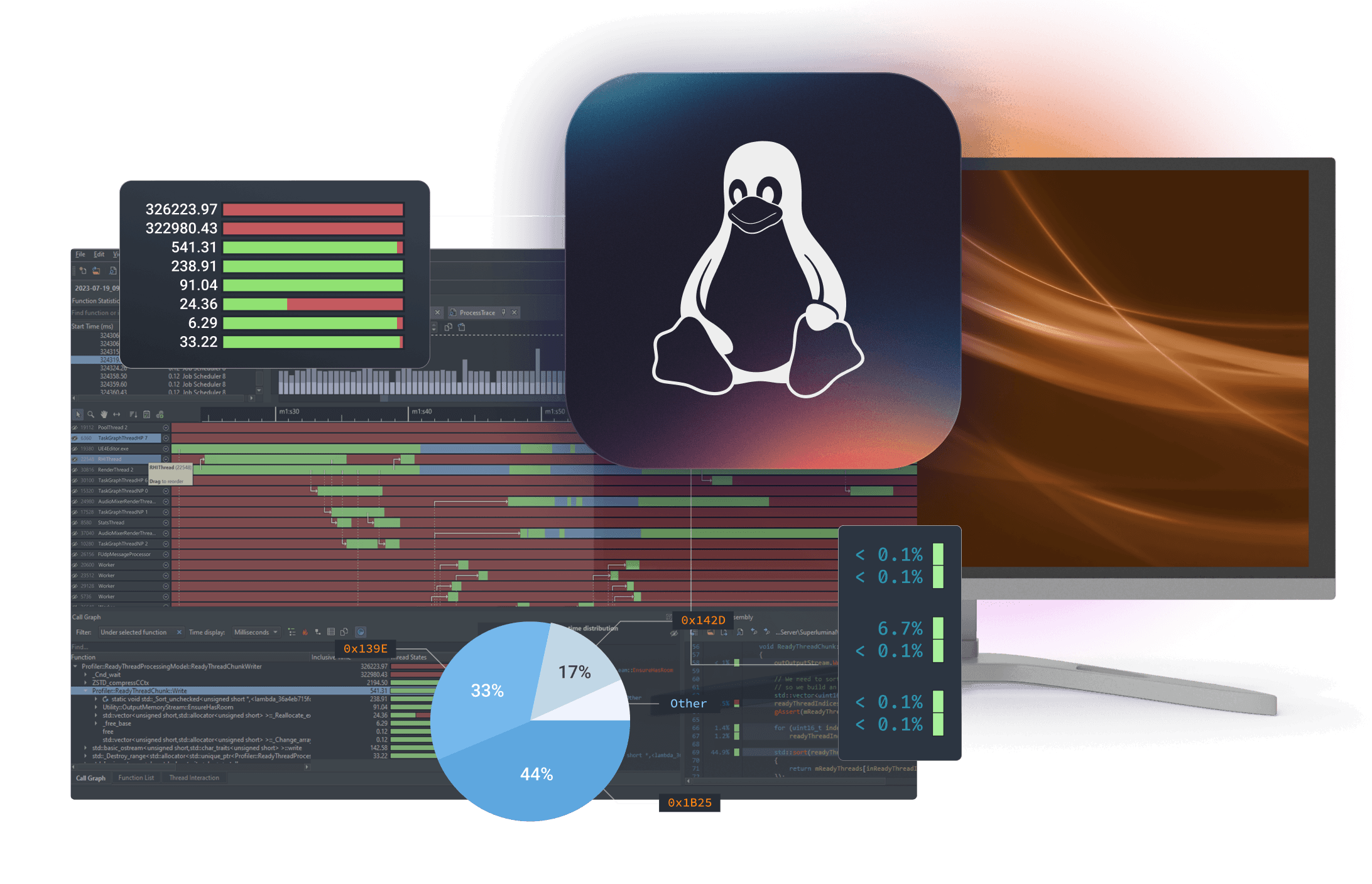
Supported distributions
Superluminal officially supports (and has been tested on):
- Ubuntu 21.04+
- Fedora 34+
- Debian 11.11+
- Arch (btw)
Other distributions may work, but have not been tested. The minimum kernel version is 5.10+, with glibc 2.30+.
Known issues / missing features
- A graphical PolicyKit agent must be installed in order to be able to capture from the UI. If none is installed, the capture will fail to start with an unclear error message. Standard installs for Ubuntu or Fedora will have a PolicyKit installed by default.
- Qt’s Wayland backend is missing (can workaround with QT_QPA_PLATFORM=xcb)
- SuperluminalCmd: run doesn’t use $PATH to locate executable
- The GUI may not be DPI correct on all machines
- If you’re not seeing kernel symbols, the most likely cause is the sysctl kernel.kptr_restrict being set to 2, which hides kernel addresses from all users. You can fix this by running sudo sysctl kernel.kptr_restrict=1, which allows root to read kernel addresses. If that still doesn’t fix it, please let us know and we’ll investigate
- The instrumentation API has not yet been implemented
- 32-bit support has not been tested
- .NET support is not implemented
- When attaching to a process, or when changing processes, the ‘select process’ dialog does not show a hierarchy
- If you’re capturing using the commandline and your application is outputting to stdout, the output will be interleaved with our output (unless you’re capturing asynchronously)
- If you’re running a commandline tool using the UI, the stdout output will not be visible. As a workaround, attaching to an already running commandline tool will work
- There is no desktop integration (i.e. .desktop file) yet. You can run it by simply running the Superluminal binary in the extracted directory
And many more features

Visual UI
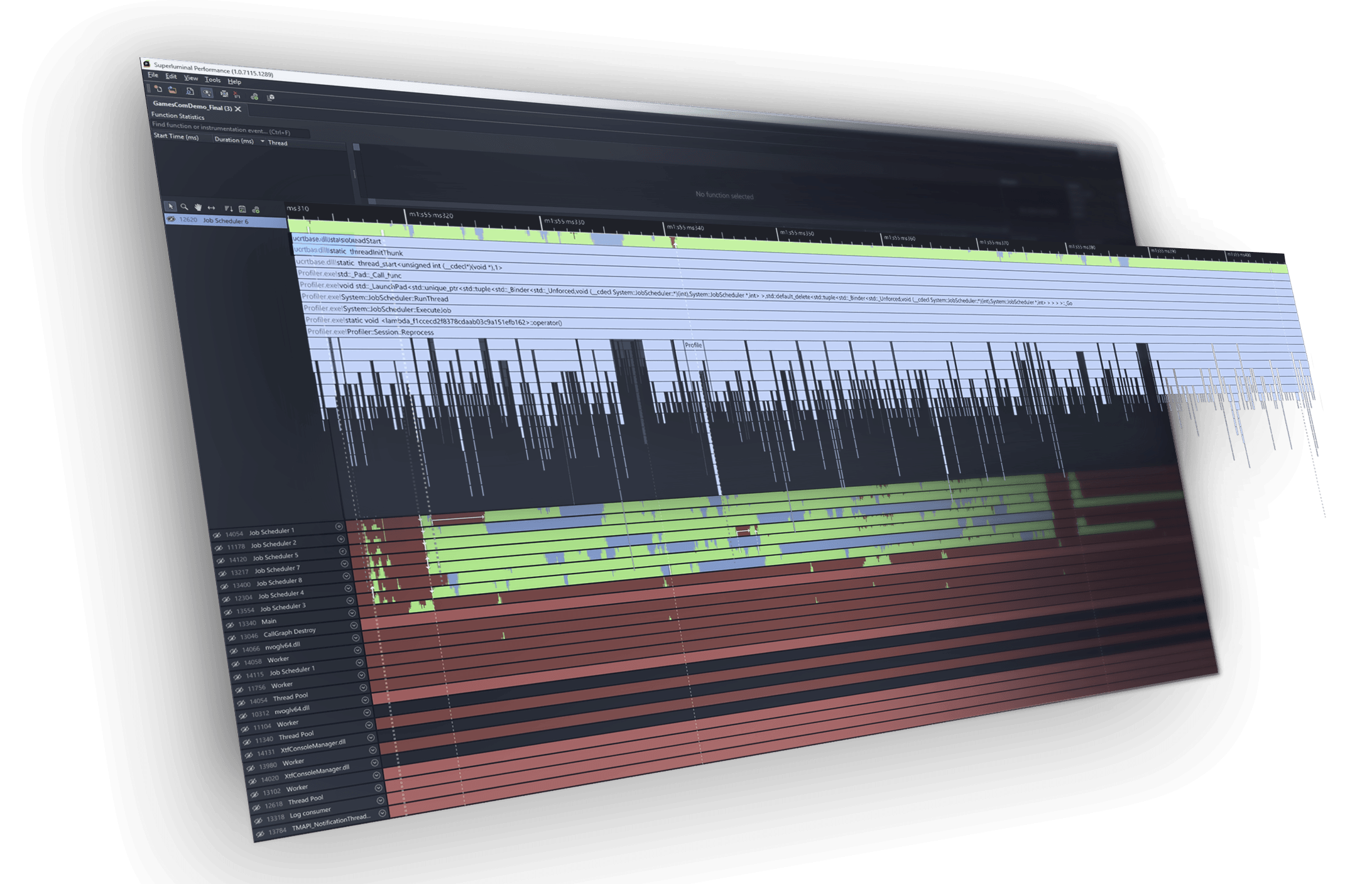
Sampling data is displayed on a per-thread timeline, allowing you to see what function is being called when, in what order, & what other functions are being called around it.

Multithreading analysis
These complex interactions are visualized in an intuitive interactive interface, allowing you to inspect blocking and unblocking callstacks.

High frequency sampling
High frequency sampling (8 – 40 kHz, depending on platform) allows you to hit the ground running without the need to make any code modifications.

Source & Disassembly
A mixed-mode disassembly view lets you view per-instruction timing information. If no source code is available, the disassembly is displayed.

Filtering
Superluminal is capable of isolating a specific portion of a capture. Investigate unexpected frame spikes, or zoom in to the startup phase of your application.
Trusted by thousands of users
Including hundreds of studios and over 50 AAA studios
Superluminal is great.
Its UI is really simple & quickly allows you to go from overview, thread interactions, PC samples, to source and disassembly. We fixed many performance issues, including ones we didn’t even know we had.
An utter joy to use.
I went from download to profiling in five minutes. An hour later, several embarrassing performance issues were made painfully obvious. After just four days, I got our frame-time down from 50 to 20 milliseconds.
It just works.
Seriously cannot recommend Superluminal profiler enough. It Just Works™ Case: VS locks up on project open for 2 minutes. Traced it, could instantly see where the problem was, and 5 min later, found the offending process. End to end, 7 min for what historically took ~2hrs.
Multi-platform
Explore our other applications


Support for PlayStation® 4 and PlayStation® 5, including high frequency capturing up to 40 kHz.
Superluminal for PlayStation

14 day free trial
All features included, no strings attached.
Stop fighting with your CPU profiler and start fixing performance.