Superluminal for Rust
Push your performance optimisations to the next level with Superluminal’s support for Rust
Symbol Resolving
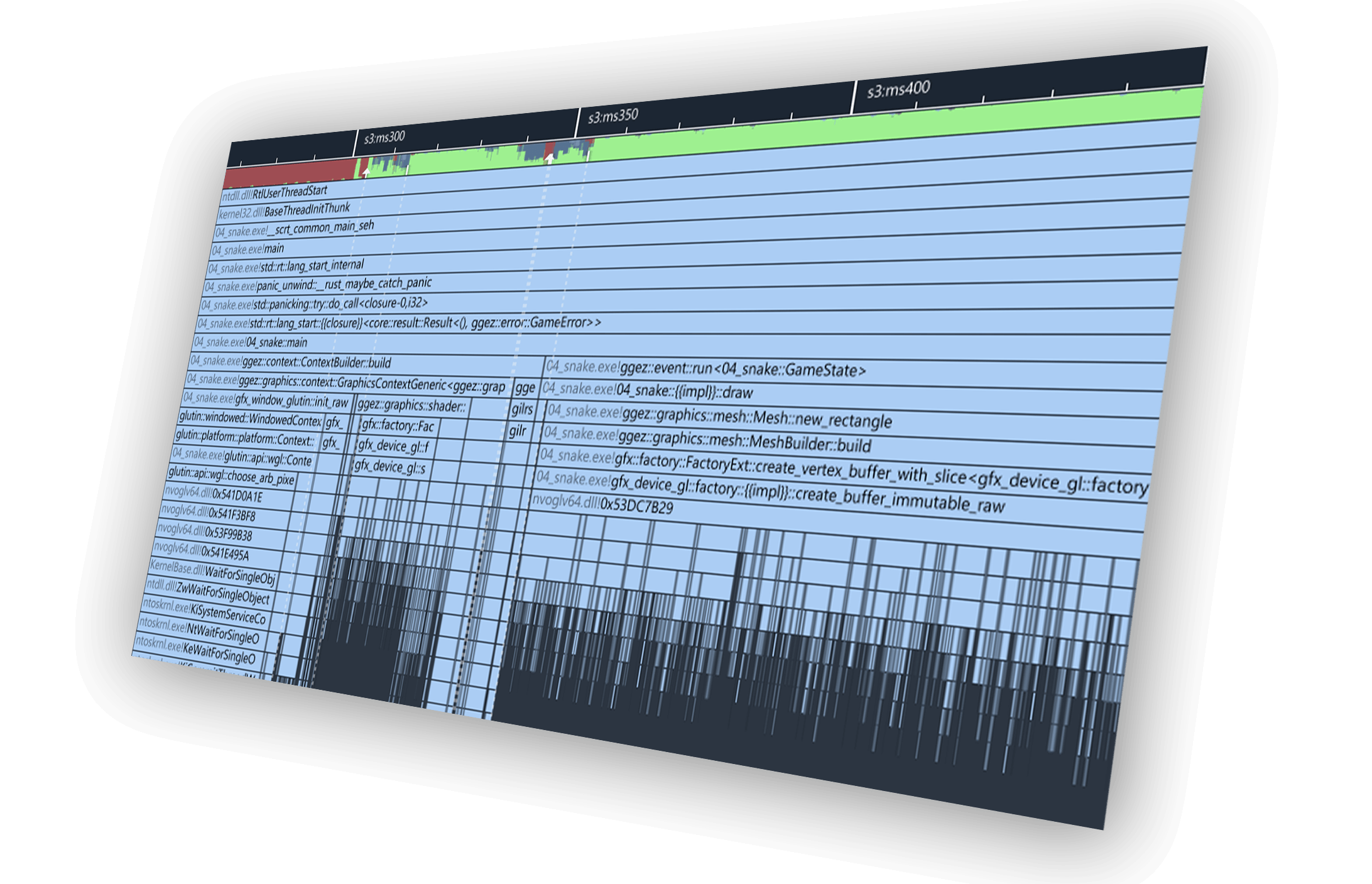
With full support for Rust symbol resolving and name demangling, the call stacks in your Rust profiles will always be human-readable.
It doesn’t matter if you’re using MSVC or Clang for your Rust code — both are fully supported.

Seriously cannot recommend Superluminal profiler enough. It Just Works™ Case: VS locks up on project open for 2 minutes. Traced it, could instantly see where the problem was, and 5 min later, found the offending process. End to end, 7 min for what historically took ~2hrs
Syntax Highlighting
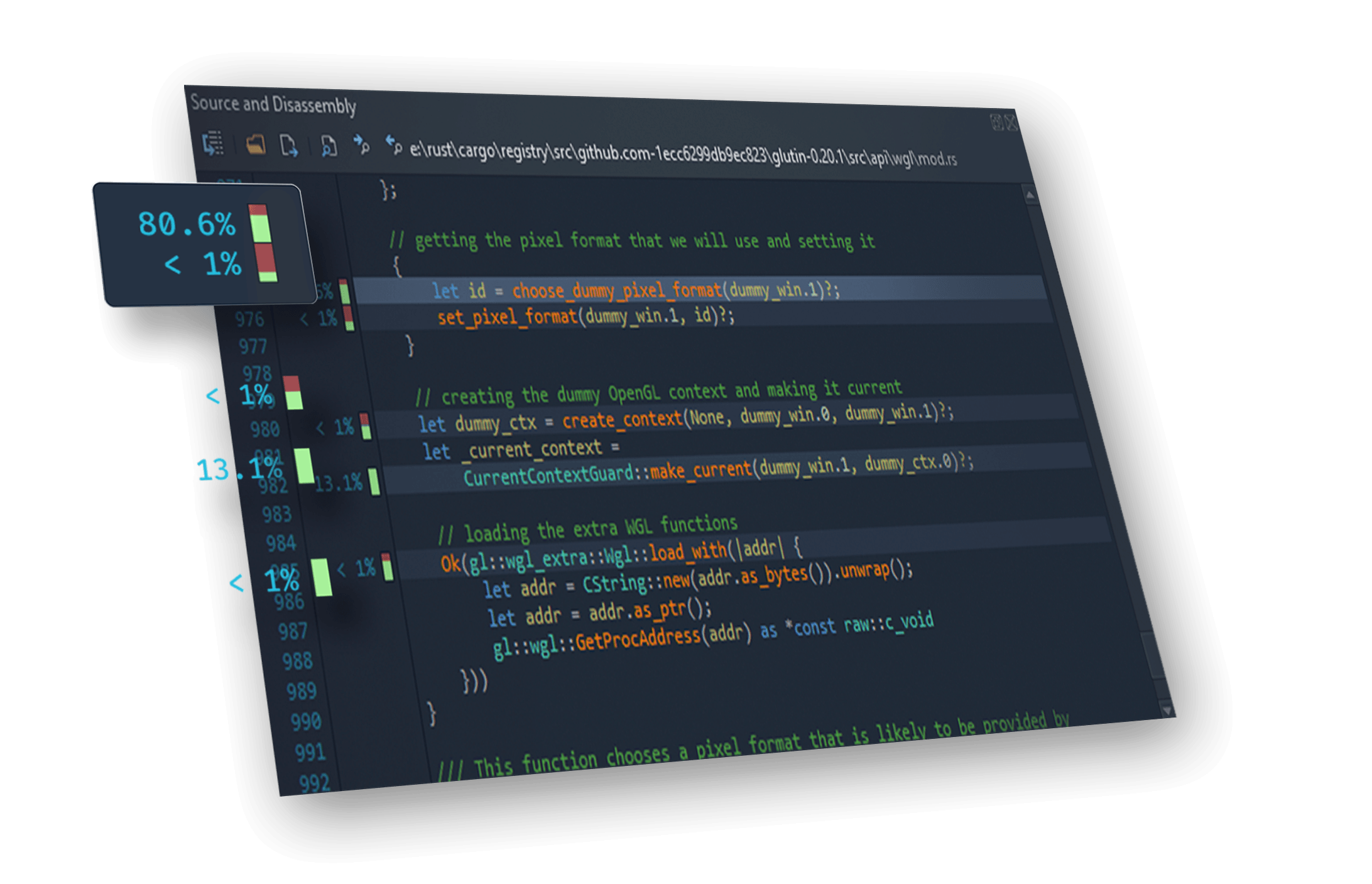
The source view has been updated with support for highlighting Rust code, based on the popular VS Code color scheme.
Of course, your favorite features like line- and instruction-level timings all work as expected, so you can easily see where your Rust program is spending its time.

Ready, set, go!
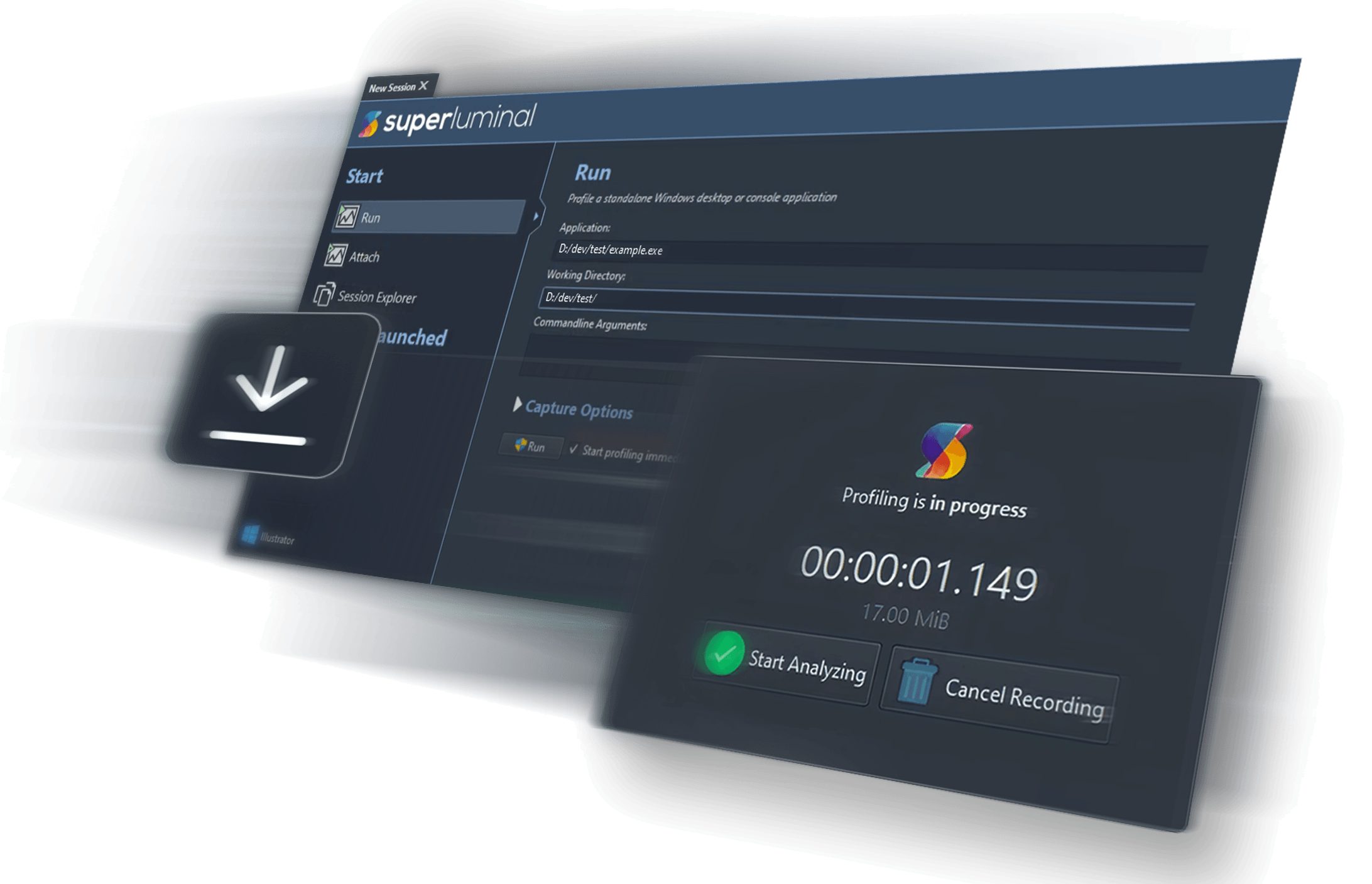
Getting started is easy. Simply drop the following lines in your Cargo.toml and you’re ready to start profiling your Rust code.[profile.release]
debug = true
If you need it, the kind folk at Embark Studios have helpfully published a crate to make using our API super simple from Rust.

And many more features

Visual UI
Superluminal is the only sampling profiler that displays the profiling data in a visual UI. Sampling data is displayed on a per-thread timeline, which allows you to see exactly what function is being called when, in what order, and what other functions are being called around it.

Multithreading Analysis
Understanding the complex interactions between threads in a program can be key in resolving performance issues. These complex interactions are visualized in an intuitive interactive interface that allows you to inspect blocking and unblocking callstacks and easily navigate between them.

High Frequency Sampling
High frequency sampling (8 – 40 kHz, depending on platform) allows you to hit the ground running without the need to make any code modifications. Sampling can start right from the start of the application, allowing you to inspect application startup, including DLL loading, the static initialization phase and more.

Source & Disassembly
The source window displays source code along with per line timing and thread state information. To drill down even deeper, a mixed-mode disassembly view lets you view per-instruction timing information. If no source code is available, the disassembly is displayed.

Filtering
Superluminal is capable of isolating a specific portion of a capture. Investigate unexpected frame spikes, or zoom in to the startup phase of your application.
Trusted by thousands of users
Including hundreds of studios and over 50 AAA studios
Superluminal is great.
Its UI is really simple & quickly allows you to go from overview, thread interactions, PC samples, to source and disassembly. We fixed many performance issues, including ones we didn’t even know we had.
An utter joy to use.
I went from download to profiling in five minutes. An hour later, several embarrassing performance issues were made painfully obvious. After just four days, I got our frame-time down from 50 to 20 milliseconds.
It just works.
Seriously cannot recommend Superluminal profiler enough. It Just Works™ Case: VS locks up on project open for 2 minutes. Traced it, could instantly see where the problem was, and 5 min later, found the offending process. End to end, 7 min for what historically took ~2hrs.


14 day free trial
All features included, no strings attached.
Find out for yourself what it's like to use a CPU profiler built by developers, for developers, who really care about performance.