Go from download to your first optimization in under 10 minutes
No code modifications. No integration hell.
Download, run, profile. No configuration needed.
Other profilers may require you to modify your source code to be able to use them, or need you to configure it just right with a million options before you can start using it. Superluminal just works. Don’t believe us? Try it for free.
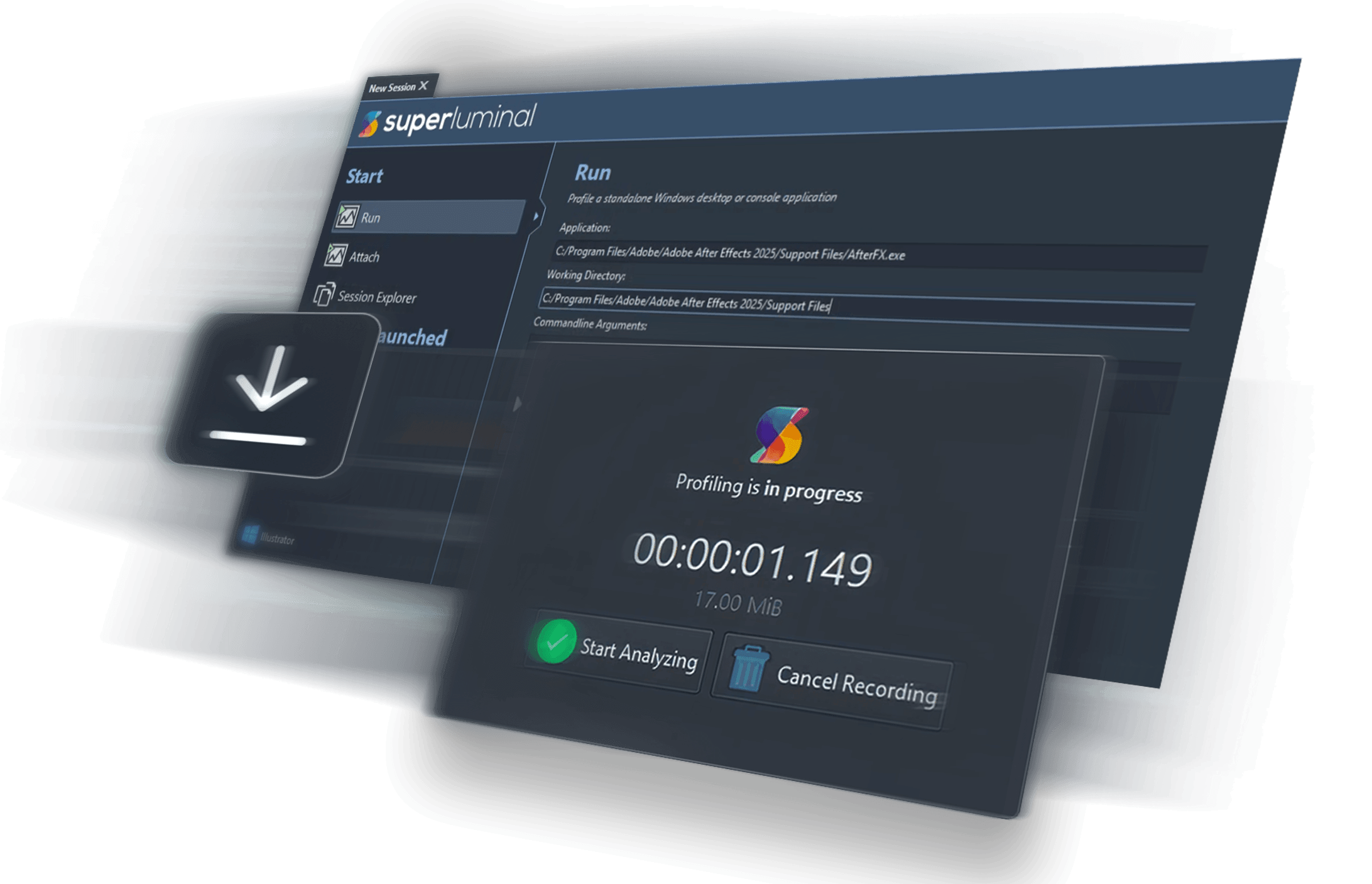
How to get up and running

1. Download
Download the installer for your platform. It’s tiny, and no sign up is needed. Want to try before buying? The download includes a 14-day fully functional trial.

2. Install
Install Superluminal onto your system quickly and seamlessly. Unlike other tools, ours won’t require you to modify your code or configure it first.

3. Capture
Once installation is complete, immediately start profiling your application. Simply point Superluminal at your application and you’re good to go.
Within a few minutes it had allowed me to find and fix some obscure performance issues.
Profiling, re-Invented
Unbiased profiling
Instrumenting your code manually means bias towards where you think the problem is. Instead, we show you where the problem really is.

It Just Works
No code modifications or configuration needed. Simply point Superluminal at your application and press “capture”.

Fast & Stable
Superluminal has been designed from the ground up to be fast and stable. No matter how much data you throw at it, it will remain responsive and stable.

Tiny
10+ years in development, all platforms, all features, and still under 100 MiB. It’s not just a web browser in disguise.

Any issues? We’re right here
In the unlikely event you do have any problems getting up and running, you can reach out to us using livechat directly in the application or via email. We’re always happy to help.