Superluminal for Unreal
Profile any Unreal Engine application with Superluminal’s built-in Unreal support
Ready, set, go!
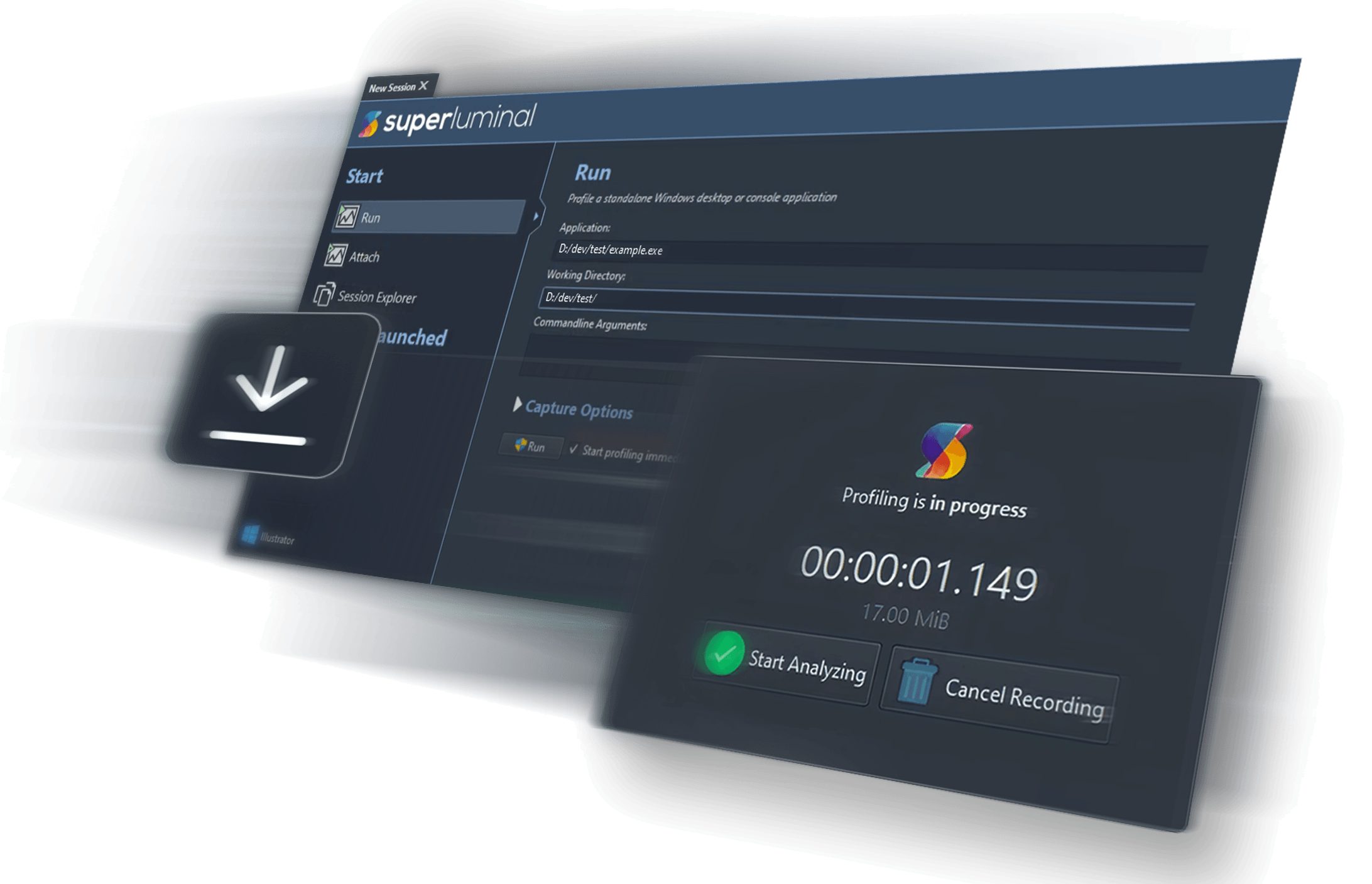
Getting started is easy. Unreal Engine applications such as games and the editor are regular native applications, so no special setup is needed. Simply install Superluminal and run or attach to your Unreal Engine application directly from Superluminal. No code modifications needed.

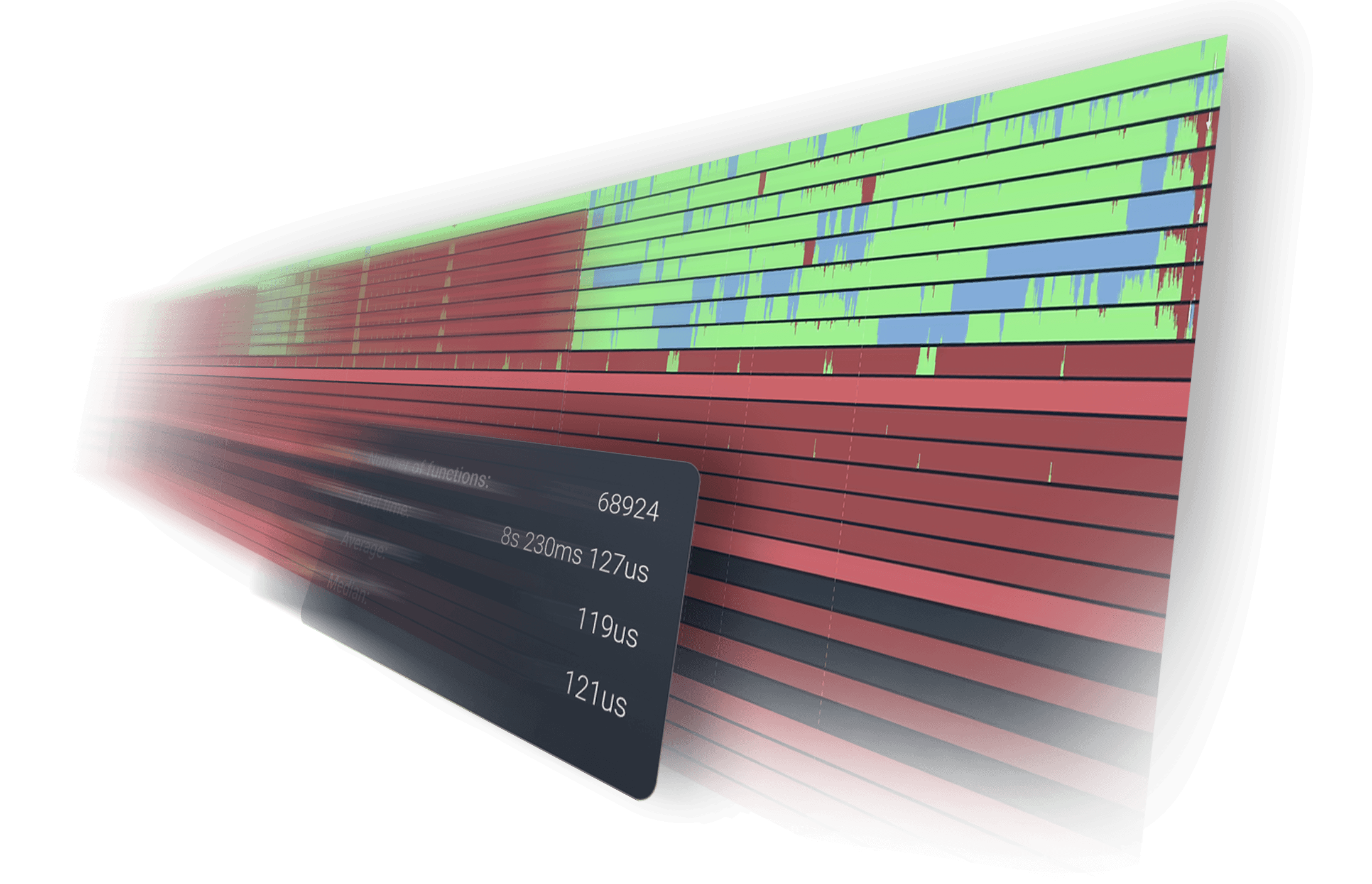
Superluminal is totally interactive even with a 55-minute session...tools like VTune or WPA are barely usable at that scale.
Made for real world workflows; a tool you’ll actually enjoy using.
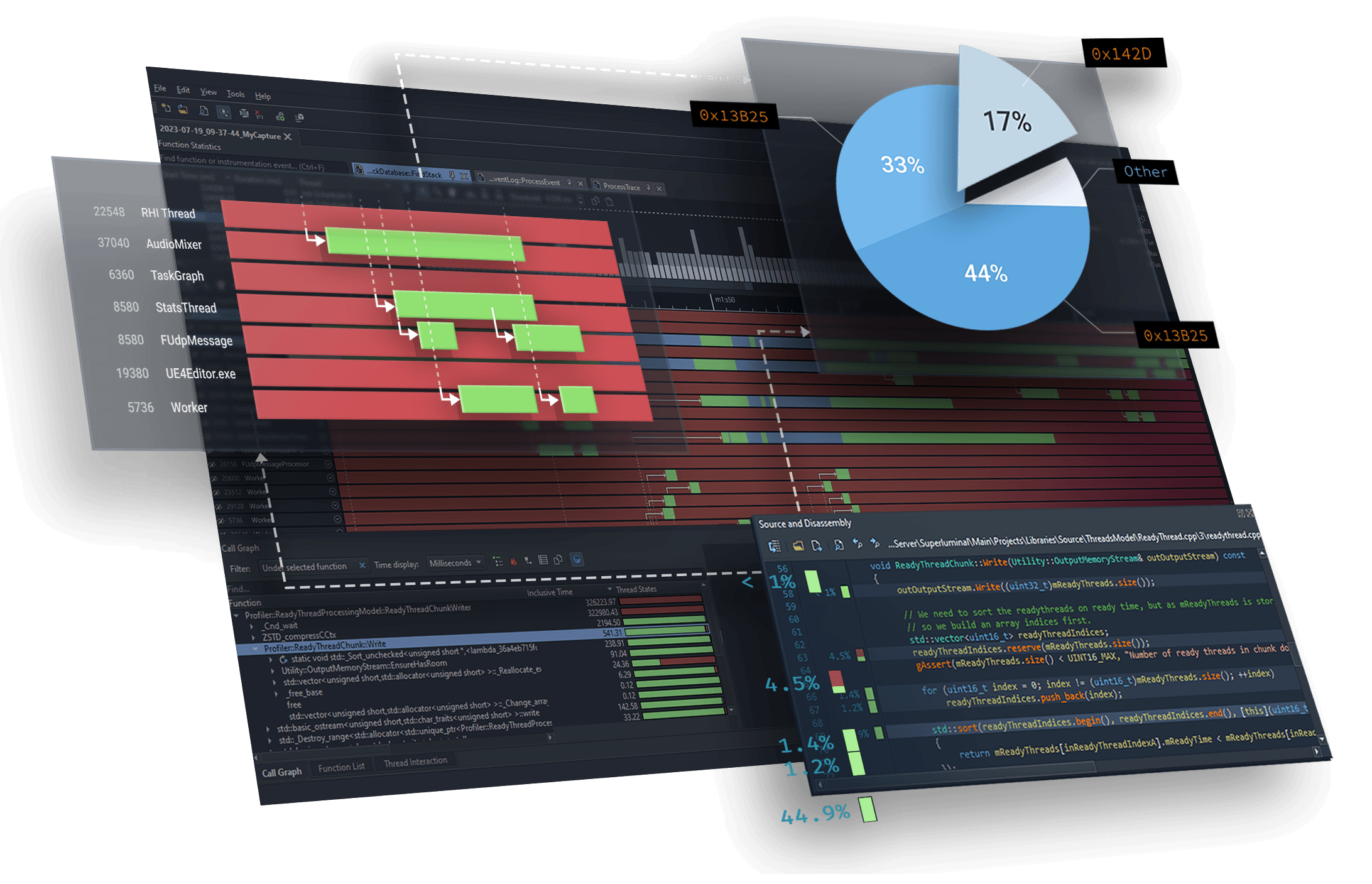
Get a visual breakdown of exactly what’s happening in your application. Easily identify bottlenecks across multiple threads, see the interactions and drill down all the way to the instruction level in real time, using one seamless UI.
Unlike other profilers that dump raw data tables, our interface is designed to show you the information you need, when you need it, in a way that actually makes sense.
Finally, a profiler that won’t let you down.
Superluminal has been engineered from the ground up for performance and stability, at scale. When other profilers choke and crash under pressure, Superluminal keeps going.
Thousands of threads? No problem. Hundreds of gigs of data? We’ve got you. Superluminal is proven to deliver even on hours long captures and the most complex codebases.

And many more features

Visual UI
Sampling data is displayed on a per-thread timeline, allowing you to see what function is being called when, in what order, & what other functions are being called around it.

Multithreading analysis
These complex interactions are visualized in an intuitive interactive interface, allowing you to inspect blocking and unblocking callstacks.

High frequency sampling
High frequency sampling (8 – 40 kHz, depending on platform) allows you to hit the ground running without the need to make any code modifications.

Source & Disassembly
A mixed-mode disassembly view lets you view per-instruction timing information. If no source code is available, the disassembly is displayed.

Filtering
Superluminal is capable of isolating a specific portion of a capture. Investigate unexpected frame spikes, or zoom in to the startup phase of your application.

Trusted by thousands of users
Including hundreds of studios and over 50 AAA studios
Superluminal is great.
Its UI is really simple & quickly allows you to go from overview, thread interactions, PC samples, to source and disassembly. We fixed many performance issues, including ones we didn’t even know we had.
An utter joy to use.
I went from download to profiling in five minutes. An hour later, several embarrassing performance issues were made painfully obvious. After just four days, I got our frame-time down from 50 to 20 milliseconds.
It just works.
Seriously cannot recommend Superluminal profiler enough. It Just Works™ Case: VS locks up on project open for 2 minutes. Traced it, could instantly see where the problem was, and 5 min later, found the offending process. End to end, 7 min for what historically took ~2hrs.

14 day free trial
All features included, no strings attached.
Stop fighting with your CPU profiler and start fixing performance.